



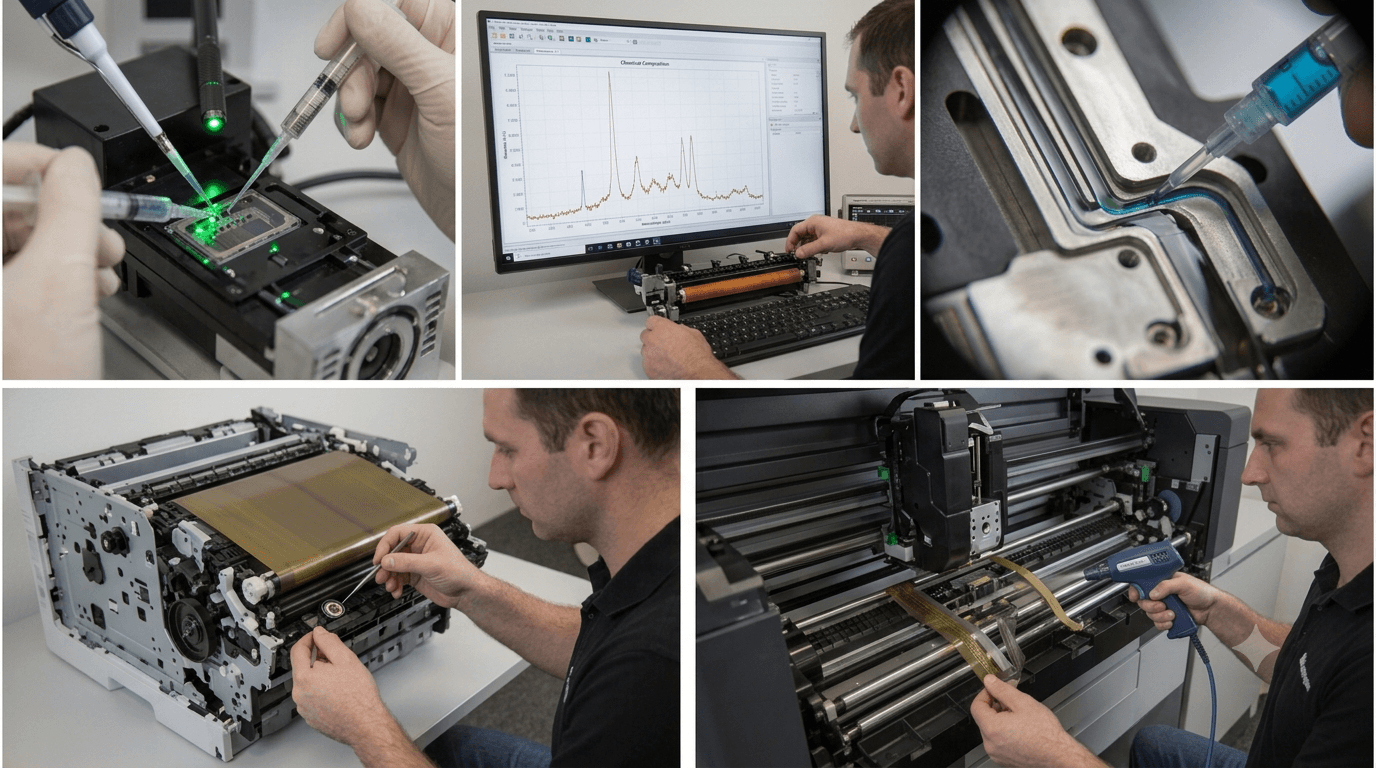
Few things are more annoying than discovering that your printer’s streaks are tarnishing a freshly printed piece of paper as you take it out of the output tray. An apparently flawless sheet of digital prints, bills, or college papers might become completely chaotic due to unexpected streaks. Fortunately, how to fix printer streaks is simple to remove at home without having to pay a lot of money for new printers or expert services. By defining the most frequent causes of printer streaks, explaining how to determine the sort of aberration your printer is experiencing, and showing how to remove them, we want to help you prevent irritation.
What are the causes of printer streaks?
In order to know how to fix printer streaks, it is essential to know why the streak is there to start with. Printer streaks are generally caused by: locked print heads, dirty rollers, unbalanced or low toner, a scratched drum, or a dirty print head. Each of these causes a different section of the page to be affected, and so identifying the pattern of the streak is the first step in knowing how to fix printer streaks.
Additionally, a clear sign of clogged nozzles on inkjet printers is thin horizontal lines that cover the width of the page. On the other hand, a filthy roller or a scratched drum in a laser printer is probably the cause if you see vertical streaks that appear at regular intervals. Lastly, fading or blurred striping at the page’s edge might be the result of ink or toner depletion. By accurately recognising the sort of streaking you are experiencing, you may avoid making irresponsible trial-and-error attempts at the repair and apply the right remedy on the first attempt.
Fixing Printer Streaks on Inkjet Printers
A major factor in this, especially for inkjet printers, is that the print heads can become dry or clog if not used for a few days. The solutions to a printer streak on an inkjet machine, starting from the simplest to the more complicated, are:
Step 1: Use the built-in cleaning cycle.
A “clean print head” feature is included in the maintenance menu of almost all inkjet printers. Because it removes dried ink from the nozzles, this is frequently the fastest method for troubleshooting a printer streak issue. To see if the streaks are going away and the print is becoming better, repeat the process two or three times, printing a test sheet each time.
Step 2: Manually clean the print head.
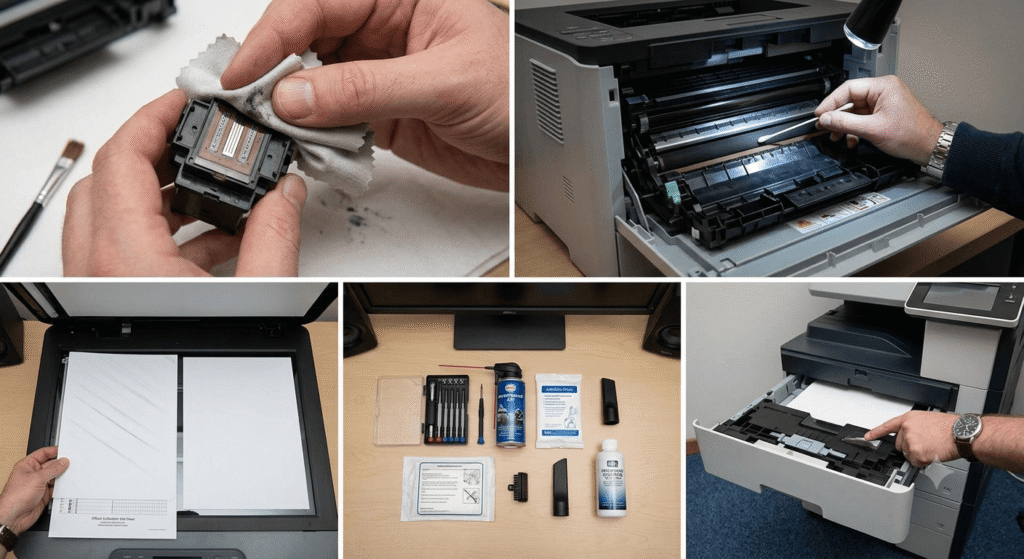
If the above built-in cycle does not clear up the problem, take out the cartridge and carefully clean the print head with a lint-free cloth dampened with distilled water. Do not use anything containing alcohol, as it will eat away at the nozzles, causing more problems with how to fix printer streaks and not less, and allow the cleaner to dry completely before putting the cartridge back in.
Step 3: Change your used or empty cartridges.
Sometimes, about how to repair printer streaks, the reason is that you do not have enough ink cartridges or your ink has dried out over a long time. Change to a new ink cartridge and maybe get rid of the streaks. Especially when you did not use the printer for many weeks, or it had been in a warm and moist place.
Step 4: Experiencing problems with your machine.
Inside many inkjet printers is a very thin plastic strip which measures the position of the carriage. A dusty strip of plastic can lead to a printer that cannot aim the ink at the paper evenly, producing a variety of splodges that appear to be unpredictable. Cleaning this strip with a dry cloth is one of the best ways to fix printer streaks where other attempts at clearing the problem have failed.
Fixing Printer Streaks on Laser Printers
Laser printers cause this problem in a different way than inkjets because instead of liquid ink, they have toner and a drum. The solutions below solve the most common mechanical issues.
Step 1: Take out and examine the toner.
Lightly tap on the cartridge to distribute the toner evenly inside. This is the most common cause of how to fix printer streaks in a laser printer, and this simple tap will fix light or patchy streaking in no time at all without tools.
Step 2: Clean the drum.
If you notice a repeated pattern of vertical how to fix printer streaks, the drum has either been scratched or has a buildup of debris on it. Clean the drum thoroughly with a dry, soft cloth, being mindful that further scratching by it will cause the marks in the how to fix printer streaks to be permanent. A new drum cartridge will need to be installed if the original was badly damaged, which can generally be purchased separately from the toner cartridge.
Step 3: Is the fuser unit okay?
A dirty or worn fuser can leave streaks of toner that fail to adequately fuse onto the page. If there is a way to fix printer streaks by wiping the toner away with a finger and having it rub off, then the fuser assembly is probably the reason and needs cleaning or replacing.
Step 4: Clean the corona wire.
This fine wire evenly charges the drum; the dust accumulating on this wire is one of the most common causes of how to fix printer streaks. Many laser printers will have a little tab for cleaning the corona wire; moving it back and forth several times will often fix how to fix printer streaks.
Also Read: LiteBlue USPS: The Complete Guide for Postal Service Employees
Cleaning Print Heads and Rollers to Stop Printer Streaks
Dirty rollers and print heads are the number one reason why many printers suffer from streaking, regardless of having an inkjet or laser printer. Dust from the paper, ink, and even dirt itself builds up and affects even application of ink toner when printing. How to clean printer parts and minimise printer streaks:
- Always switch the printer off and unplug it before cleaning.
- Open the access panel and find the rollers.
- Moisten the rollers with a cloth slightly wet with water, and turn them by hand.
- Allow all sections to dry thoroughly before switching the printer on again.
By doing this regularly, for example every couple of months, even if you have not experienced any streaking, ng this may help to prevent the occurrence of how to fix printer streaks before they even happen.
Preventing Printer Streaks in the Future
It’s fantastic that you can eliminate the streaks in your printer, but it would be even better if you could prevent them from occurring in the future. Here are a few easy tips to help you eventually quit streaking:
- If you’re not in the habit of using your printer weekly, then print something. This will help to get rid of printer streaks,s as a printer left on is more likely to have problems.
- Keep paper in a dry location. Describe how to fix the printer streaks.
- Make sure to use quality ink or toner, as cheap brands often lead to printer streaks.
- Do not put the printer in a dusty room, as dust from fans or open windows will end up on the photos and make them streaky and low quality.
You should also a feature in your printer‘s software that runs and should be setting periodic cleaning cycles to detect early signs of how to fix printer streaks.
When to Call a Professional
If you have tried all of the above ways to fix printer streaks, a hardware failure may be the cause; faulty print head assemblies or drums that have simply worn out beyond cleaning are examples of problems that will not clean as easily. More involved mechanical failures of this sort are also much harder to diagnose without opening up the printer and run an even greater risk for further damage, so it may be a more cost-effective option to take it to a service technician or, at worst, purchase a new printer if it proves to be more expensive than simply buying a new one.
Final Thoughts
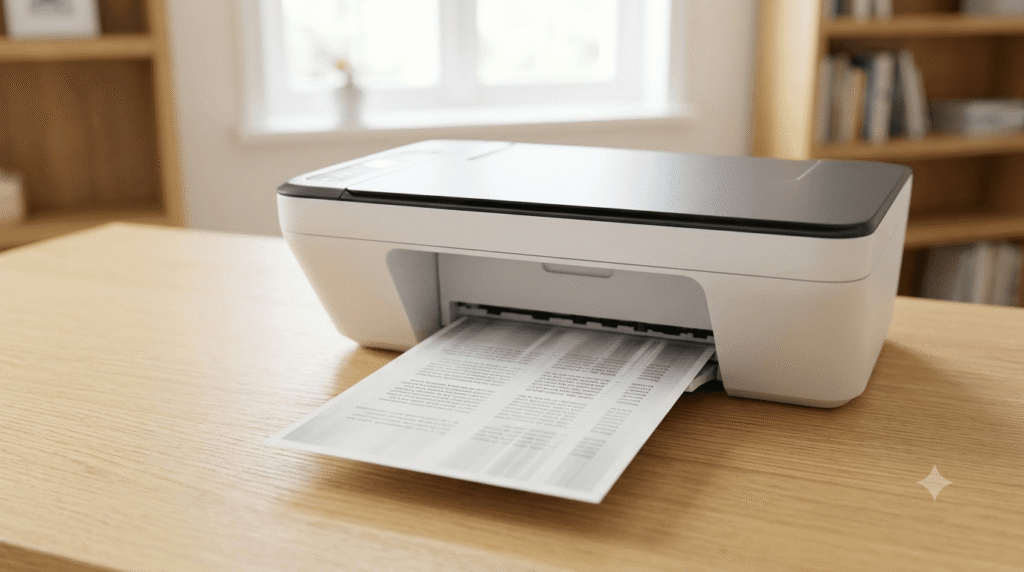
How to fix Printer streaks may be frustrating, but once you understand the possible cause, the solution usually isn’t a secret. With the right pattern recognition, proper cleaning of the essential parts, and a routine maintenance schedule, you can know how to fix printer streaks and avoid having how to fix printer streaks running again. Inkjet vs. laser- whatever kind of printer you’re using, these steps should help you to know how to fix printer streaks immediately and keep those prints clear down the line.
FAQS
1. Why does my laser printer need how to fix printer streaks troubleshooting?
If your laser printer has vertical streaks, you may need to do some how to fix printer streaks troubleshooting. Typically, improper functioning of the toner cartridge, drum, corona wire, and fuser leads to this problem. To resolve how to fix printer streaks, clean these parts and replace the faulty ones.
2. Is using original ink and toner cartridges preferable?
Indeed. In addition to offering more reliable print quality, genuine or superior compatible cartridges are less likely to clog print heads or leak. Over time, using dependable cartridges can help lessen the likelihood of printer streaks.
3. Can dirty rollers interfere with how to fix printer streaks?
Dirty rollers are definitely among the most common reasons why streaks are present in printouts. How to fix printer streaks, in this case, includes regular cleaning of rollers, which will ensure paper feed without spots or streaks.
4. Why do horizontal lines appear when learning how to fix printer streaks?
Horizontal lines are another manifestation of how to fix printer streaks issues. They are usually caused by clogged nozzles in inkjet printers. How to fix printer streaks, in this case, would be to do a nozzle check and clean print heads.
5. How to avoid problems when learning how to fix printer streaks?
The best way to know how to fix printer streaks is to prevent them. To ensure that it is possible, print regularly, use recommended inks and papers, clean the printer often, and store it properly.